
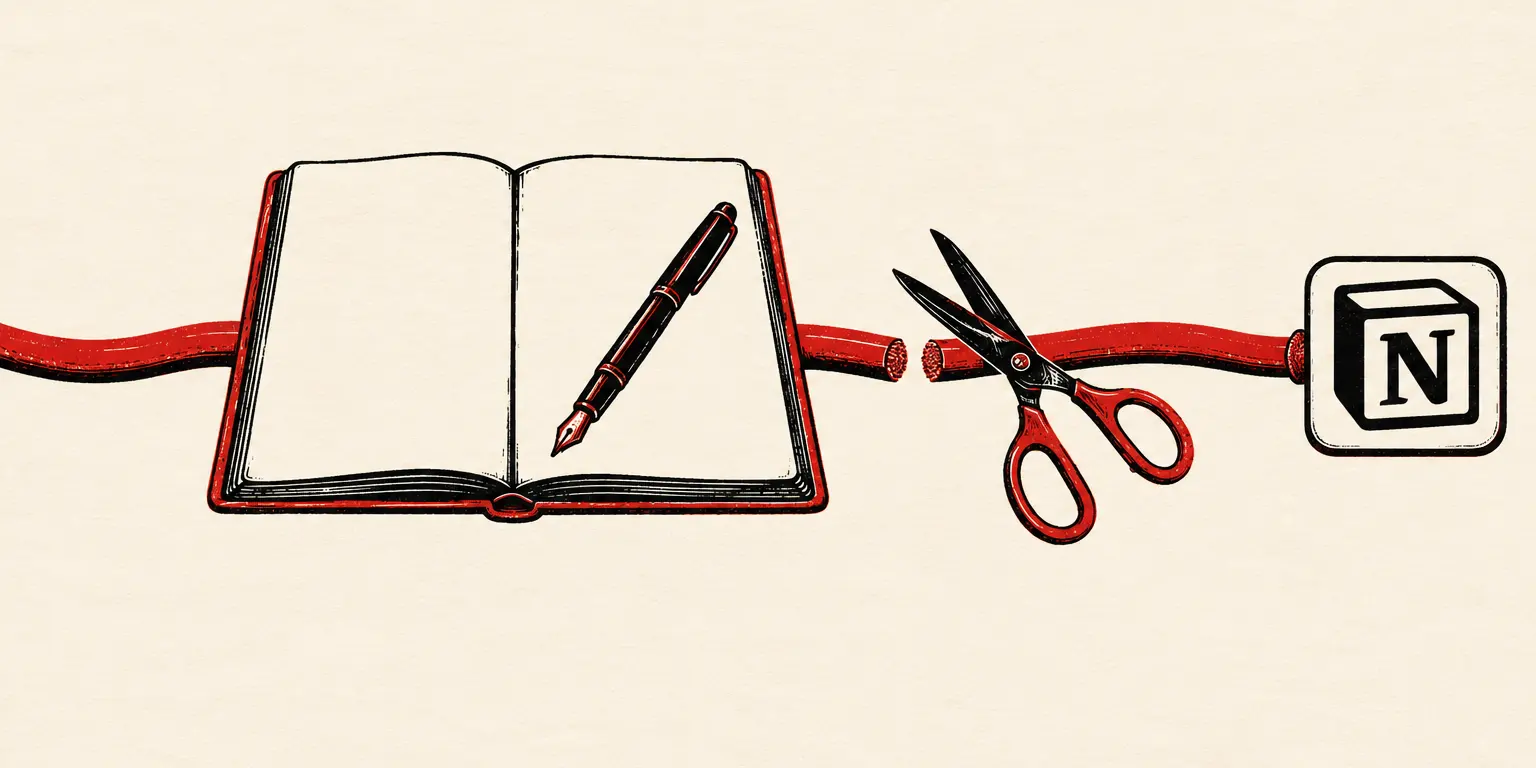
A Notion alternative without AI
Not a toggle you hope stays off — an architecture. Locus has no AI features and no upload path for your notes: your writing lives in a local file on your Mac, structurally unreadable by anyone’s model.
More people are typing “notion alternative without AI” into search boxes every month, and the reason is simple: a notebook that reads you back isn’t neutral ground anymore. Cloud workspaces are racing to put a model between you and your words — summarizing, suggesting, watching. If you want a tool where that’s not just disabled but impossible, it has to be built differently from the ground up.
Four structural guarantees
01No AI features, period
No assistant in the margin, no autocomplete ghost-writing your sentences, no summarize button. The editor’s intelligence budget went to typing feel, not text generation.
02No pipe to feed one
Locus goes online only for update checks, an optional license check, and link previews you ask for — none of which carries your writing. There is no pipe through which it could reach a model, a telemetry endpoint, or anyone’s training set — a stronger guarantee than any settings toggle.
03No account to attach it to
AI features arrive attached to accounts and clouds. Locus has neither: your workspace sits in your own user Library folder.
04A paper-like contract
A notebook shouldn’t have opinions about your drafts. Locus behaves like paper with superpowers — blocks, backlinks, themes — and paper doesn’t read you back.
Still a modern editor
Rejecting AI doesn’t mean rejecting comfort. Locus is a full block editor — slash commands, to-dos, tables, code with syntax colors, page covers, backlinks with context, 22 themes — that happens to keep every keystroke on your machine. The broader feature-by-feature picture lives in the main Notion comparison; the philosophy is in local-first notes; and if you’re ready to move, exporting Notion to Markdown takes ten minutes.
Questions people ask
Why do people want notes without AI?
Three honest reasons: privacy (drafts, journals, and client notes shouldn’t transit anyone’s model), focus (a suggestion engine at the caret is a colleague who never stops talking), and trust (an opt-out toggle can move; an app with no AI and no upload path can’t). If you write things that are not for machines, tooling should reflect that.
Can’t I just turn AI off in Notion?
You can decline to use the features, and workspace owners can restrict them. But your notes still live on cloud servers, and the product direction is openly AI-forward. If “off” needs to mean “architecturally impossible,” only a local, offline app delivers it.
Is Locus anti-AI?
No — it’s pro-boundary. Use whatever models you like, wherever you like. Locus just holds the line that your private notebook isn’t an input stream: what you write here stays on this Mac unless you export it yourself.
What do I give up next to Notion?
Real-time collaboration, relational databases, publishing, and yes, AI features. The full trade is laid out honestly in the main comparison — Locus is the private notebook end of the spectrum, not a team workspace.
Are there any note-taking apps that don’t use AI?
Yes, though the list shortens every year. Obsidian ships without built-in AI (it arrives only through plugins you choose to install), and several plain-text editors remain model-free — while Apple Notes now ties into Apple Intelligence on newer Macs. Locus goes a step past “doesn’t use AI”: it has no upload path for your notes at all, so they have no way to reach any model — today or after an update.
Is there a version of Notion without AI?
No — Notion doesn’t sell an AI-free edition. Workspace owners can restrict AI features and individuals can decline to use them, but the capability ships in the product, the toggle can move, and your pages still live on Notion’s servers either way. If ‘without AI’ needs to be a property of the architecture rather than a setting, that’s what a local, offline app is for.